This article explains how to choose one of four ways (IPC Compliant Wizard, Batch Generator, Component Wizard or Manual) of creating a footprint (land pattern) in Altium Designer. Also, a tutorial presents which way of creating a footprint is suitable for certain type of package of electronics components.

If you need a footprint of same standard shape package/case type supported by IPC Compliant Footprint Wizard we recommend you to use it to create a footprint. IPC Compliant Footprint Wizard helps you to create a footprint according to IPC standards. Standard component packages supported by Altium IPC wizard are:
BGA
CGA
BQFP
CAPAE
CFP
Chip Array
DFN
CHIP (Capacitor, Inductor, Resistor)
CQFP
DPAK
LCC
LGA
MELF (Diode and Resistor)
MOLDED (Capacitor, Inductor and Diode)
PLCC
PQFN
PQFP
PSON
QFN
QFN-2ROW
SODFL
SOIC
SOJ
SON
SOP, TSOP
SOT143/343
SOT223
SOT23
SOT89
SOTFL
WIRE WOUND Inductor
As you can see wizard supports only surface mount (SM) package types.
2. Altium IPC Compliant Batch Generator
If you need more than one footprint for the same shape of package supported by Altium IPC footprint wizard you can save the effort and time by using IPC batch generator. Basically batch generator also run Altium IPC Compliant Footprint Wizard from the list of a footprint from your template excel file or files and generate it all with one click.
3. Altium Component Wizard or Altium non IPC Component Wizard
This method allows you to draw a footprint following your own rules and not according to IPC Standards. It is helpful when you create a footprint according to manufacturer’s suggestions (recommended by manufacturer). This Wizard is used for both surface mount (SMD) and through hole (TH) packages. Packages supported by Altium Component Wizard are:
BGA
Capacitors
Diodes
DIP
Edge Connectors
LCC
PGA
QUAD
Resistors
SOP
SBGA
SPGA
4. Manually creating a footprint
If you need a footprint of some non standard case type (eg. Battery Holder MPD BC2032-E2) you can only create it manually. At first, manual creating sounds very difficult but don’t worry because Altium has developed a lot of smart options to speed up the process of creating certain parts of a footprint. Some of these useful options are: Paste Special, Paste Array, Rotate, Flip, Align, Easy Set Origin, Polar coordinate system and so on… After you choose one of four methods you should create a new or open en existing PCB library file. Set it as active PCB document in PCB Editor. If you don’t do this, options for drawing a footprint will not appear in the main menu.
Article and picture from internet, if any infringement pls contact us to delete.
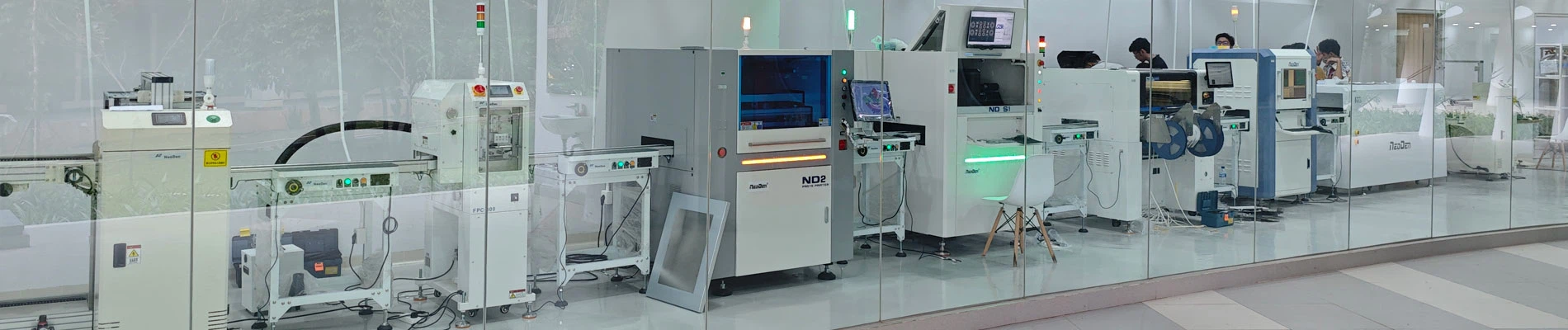
NeoDen provide a full smt assembly line solutions, including SMT reflow oven, wave soldering machine, pick and place machine, solder paste printer, PCB loader, PCB unloader, chip mounter, SMT AOI machine, SMT SPI machine, SMT X-Ray machine, SMT assembly line equipment, PCB production Equipment smt spare parts etc any kind SMT machines you may need, please contact us for more information:
Hangzhou NeoDen Technology Co.,Ltd
Web: www.neodentech.com
Email: info@neodentech.com