
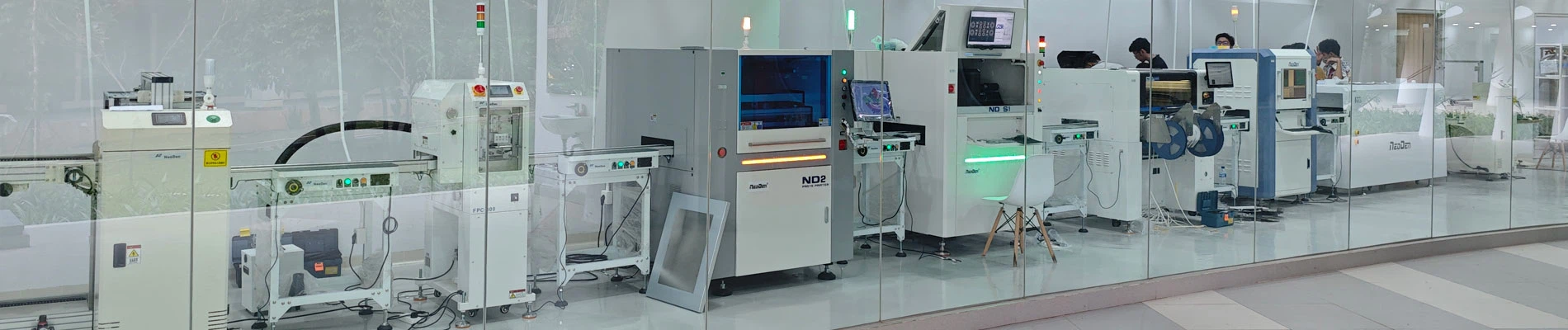
Semi-auto Solder Printer is a common solder paste printing equipment in SMT product line. It is very necessary for us to master the maintenance methods of some semi-automatic solder paste printing machines because some of the faults often occur after the semi-automatic solder paste printing machines are used for a period of time.

Semi-auto Solder Printer YS350
I. Failure reasons and maintenance methods of solder paste printing press when the sliding seat drops and rises when the pedal switch is released in semi-automatic operation.
Fault cause: the switch on the left side of the horizontal slide seat is broken or damaged. Repair method: put the switch on or change a new switch.
II. Semi-auto Solder Printer working pedal switch, sliding seat after falling to the left, but not to the right to move the cause of failure and maintenance methods.
Failure reason: proximity switch of solder paste press is damaged or not sensed. Repair method: replace proximity switch or adjust proximity switch induction.
III. The solder paste press has not stepped on the foot switch when it is semi-automatic.
Fault: foot switch short circuit or switch damage. Repair method: replace new switch and button, etc.
Iv. Failure reasons and maintenance methods for slow rising after switching of Semi-auto Solder Printer.
Cause of failure: Solenoid valve is faulty or blocked by foreign matter. Repair method: replace the solenoid valve or clean the solenoid valve.
V. When the Semi-auto Solder Printer are not running, the power lamp is on.
Cause of failure: A blown fuse. Repair method: replace the fuse.
Vi. Semi-auto Solder Printer does not drop the cause of failure and maintenance methods.
Failure reason: selection switch fails or proximity switch is not sensed. Repair method: replace selector switch or adjust proximity switch induction.
VII. Failure reasons and maintenance methods of semi-automatic solder paste printing machine.
Cause of failure: broken timer or microswitch. Repair: Replace the timer or fix the microswitch.
VIII. Fault causes and maintenance methods of Semi-auto Solder Printer table that does not absorb gas.
Failure causes: inhalation motor burn out, solenoid valve damage. Repair: Replace or repair the suction motor or solenoid valve.